Thermostat only 2.4 GHz: why dual-band pairing fails

A thermostat only 2.4 GHz radio cannot see 5 GHz. If a dual-band router hides it, the unit may be fine. Here is the pairing check, and which fault differs.
On this page

You unboxed a new thermostat, the app is still searching, and the router in the hall offers two bands. The phone is online. The heating is not. A thermostat with only a 2.4 GHz radio can join the slower band, and it never appears on the faster one. Amazon's UK smart-home help says most Wi-Fi smart-home devices only work on 2.4 GHz. That is a band limit, not a verdict on the boiler.
The useful split is a pairing miss, a Hive hub often on Ethernet, a tado X setup that needed 5 GHz off only while you paired, and a wireless receiver that loses its transmitter while the phone stays online. Peter F. updated this page in October 2026 from that Amazon help, the 2.4 GHz bullets on both KETOTEK listings and the Beok wireless boiler thermostat, one tado X review, a Hive band note, and tado X help on a missing Thread border router. Prices are the stored amazon.co.uk figures in the Alexa thermostat comparison. We did not lab-test a router or a thermostat. A qualifying purchase can earn a commission at no extra cost to you.
In short
A thermostat that only uses 2.4 GHz cannot join a network that exists only on 5 GHz. In this stored set, both KETOTEK listings and the Beok wireless boiler thermostat print 2.4 GHz. One tado X review needed 5 GHz off only during setup. A Hive hub is often on Ethernet, and a missing Thread border router is a separate fault from a wrong password.
Why a thermostat only 2.4 GHz radio misses 5 GHz
Your phone can stay on 5 GHz and still be useless as a pairing companion. The wall unit never sees that faster network, so the app reports a failure that looks like a dead product. 5 GHz is the quicker band, and a laptop will take it when the router offers both. Dual-band means both networks exist. The password you type can be right, and still be handed to the wrong network.
A review of the tado Wireless Smart Thermostat X starter, stored at £129.99 as ASIN B0D9QBPV51, failed until 5 GHz was disabled, then that account turned 5 GHz back on. People type "tado will not connect dual band" at this moment. One review is a pairing window, not a house rule. If the listing already says the stat uses 2.4 GHz, keep that band available after you restore 5 GHz.
Listings in this set that print 2.4 GHz
The bullets that state the band belong to both KETOTEK models and the Beok wireless boiler thermostat. The KETOTEK electric underfloor thermostat, ASIN B0833N4ZZ3, is stored at £44.99. The KETOTEK boiler thermostat rated 3 A, ASIN B08FHWJY7L, is stored at £44.99 and is the best value row. The Beok wireless boiler thermostat, ASIN B0H2CR3V79, is stored at £62.99. Each listing says 2.4 GHz and rules out 5 GHz. Those lines answer a smart life thermostat on 5 GHz.
The tado V3+ wireless starter kit, ASIN B08LP1LS5T, stored at £57.50, is the top pick on the Alexa thermostat comparison. That judgement is not a Wi-Fi bench test, and those notes do not print a 2.4 GHz line for this kit. The Meross MTS215B, ASIN B0F32CMSDS, stored at £59.99, and the Beok two-wire combi thermostat, ASIN B0FHW6PTPM, stored at £42.99, sit in the same comparison. We will not paste a 2.4 GHz claim onto those rows. The Wi-Fi room thermostat comparison is where a Wi-Fi stat is chosen.
The Hive thermostat with the Nano 3 hub, ASIN B0DCGMD9KX, is stored at £164.99. The Hive thermostat sold without the hub, ASIN B0DCGNQ17S, is stored at £104.96. Reviews often show the hub on Ethernet, so check that cable when the hub was in the box. The listing without a hub cannot use a hub that is not in the house. Hive support says to avoid a 5 GHz mismatch when the phone and the devices are not on a compatible band. The tado Smart Thermostat X wired add-on, ASIN B0CWPG6G5W, stored at £79.99, is its own row. A missing Thread border router is a separate fault, and we will not relabel that add-on as the border router.
A pairing sequence that leaves your router manual alone
Where the amazon.co.uk bullets say 2.4 GHz and rule out 5 GHz, the app is allowed to ignore the fast band. If the router shows two names, put the phone on the 2.4 GHz name while the app is pairing. We will not click through a BT, Sky, Virgin, or mesh menu. If there is one name, do not invent a second. When the app still cannot see the stat, use the tado X review as a pairing window: disable 5 GHz, finish setup, then enable 5 GHz again. That is one account of ASIN B0D9QBPV51, not a script for the KETOTEK or Beok apps, and a poor reason to leave the fast band off until spring.
On Hive, check the Ethernet cable before you blame the wall plate, when the Nano 3 hub was in the box. The £104.96 listing cannot borrow a hub from the dearer box. Stop when the next action is a conductor on the boiler, a gas valve, or a 230 V back box. The Alexa thermostat setup guide covers the app order. It does not authorise work inside the boiler.
Faults that look like a Wi-Fi password
Alexa can stay silent after the thermostat is already on Wi-Fi. That is later than an app which never saw the unit. A speaker that cannot find a stat which already answers in its own app is what people phrase as "alexa thermostat not found". Leave a factory reset until you know the stat is not already online. The sources do not say that Matter removes the 2.4 GHz limit. A missing Thread border router is a different fault from a wrong Wi-Fi password, and a logo on the carton does not create a border router you did not buy. The wired add-on at £79.99 stays a separate listing.
A drop every day can be the heating radios. The Beok wireless review describes the transmitter losing the receiver while the phone stays online. Turning 5 GHz off again will not repair that pair. We have no measured range, and £62.99 does not say which Beok unit went quiet. The sources do not say that every mesh hides the 2.4 GHz name. If the stat has joined and only the heating link drops, look at the receiver.
What to tell a tradesperson if pairing still fails
Say whether the app ever saw the thermostat, whether the router shows one name or two, and whether you disabled 5 GHz only for pairing. Say whether a Hive hub is cabled, whether tado X asked for a Thread border router, and whether a wireless receiver loses the wall transmitter while the phone stays online. A password, a band, and a hub cable are householder steps. Opening the boiler belongs with a Gas Safe registered engineer. The top pick at the stored £57.50 does not become the spare because an app failed on 5 GHz. The Alexa thermostat comparison is a shop comparison, not a gas certificate.
Common questions
Why will the app not see the stat on my dual-band router?
Can I turn 5 GHz back on after pairing?
Does the Hive hub use Wi-Fi or a cable?
The stat is on Wi-Fi but Alexa cannot find it. Is that the same fault?
Will a mesh system hide the 2.4 GHz name?
Does Matter change the 2.4 GHz rule?
What if it joins and then drops every day?
When is it a receiver radio fault instead of Wi-Fi?

Peter F. is the editor for DIY & tools at productscompared.co.uk. Comparisons in this category are checked against amazon.co.uk listings, review evidence and public UK sources.
Related articles
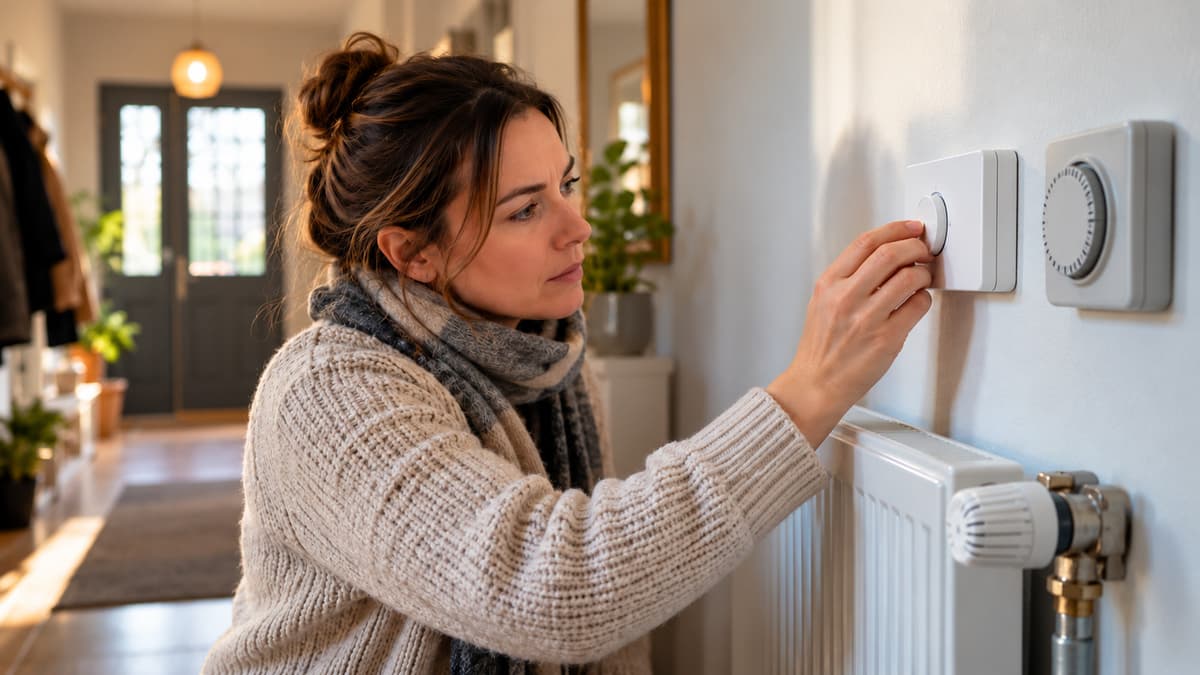
When to replace a room thermostat
A stat that cannot see 5 GHz is not, by itself, a reason to replace it. A sticking or drifting sensor is a different fault.
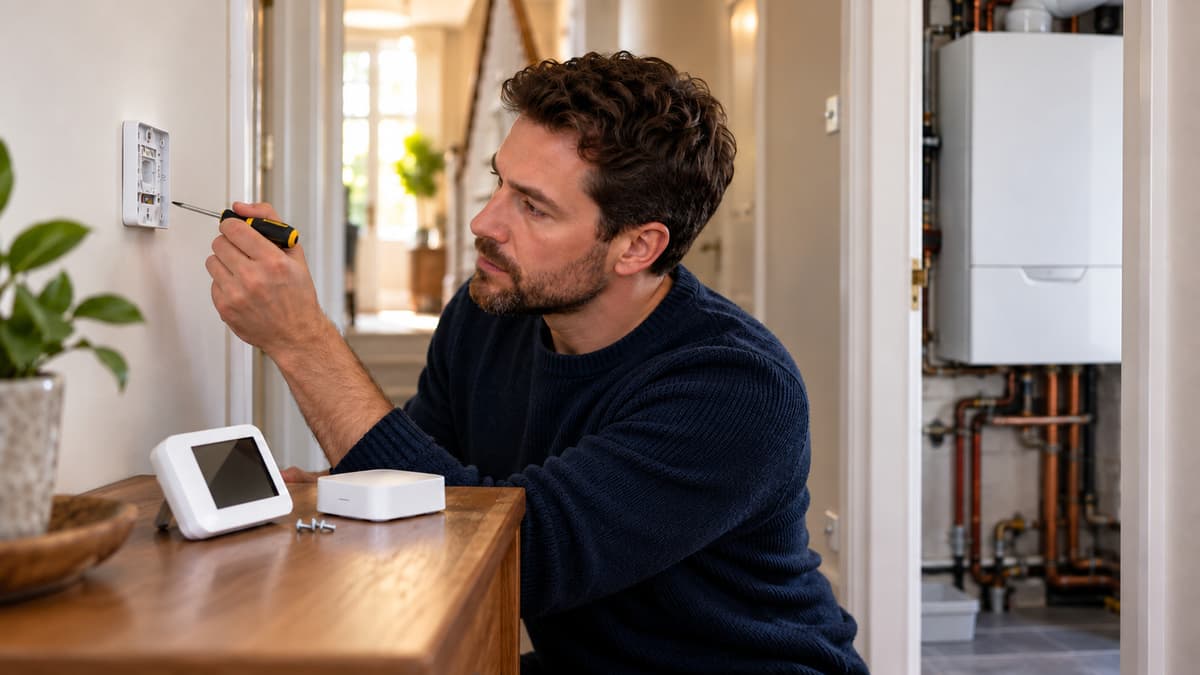
Who can fit a thermostat in the UK
Joining a thermostat to Wi-Fi is a different job from opening a gas boiler. The band check stays on your side of that line.

What an Alexa thermostat costs in the UK
A hub, a bridge, or a border router can sit beside the wall stat. The shelf price on its own is not the whole cost.